Hue lets you run your agent against simulated apps without changing real accounts. A World holds the starting data. Each attempt gets an isolated copy, so you can change your agent and test the same task again.
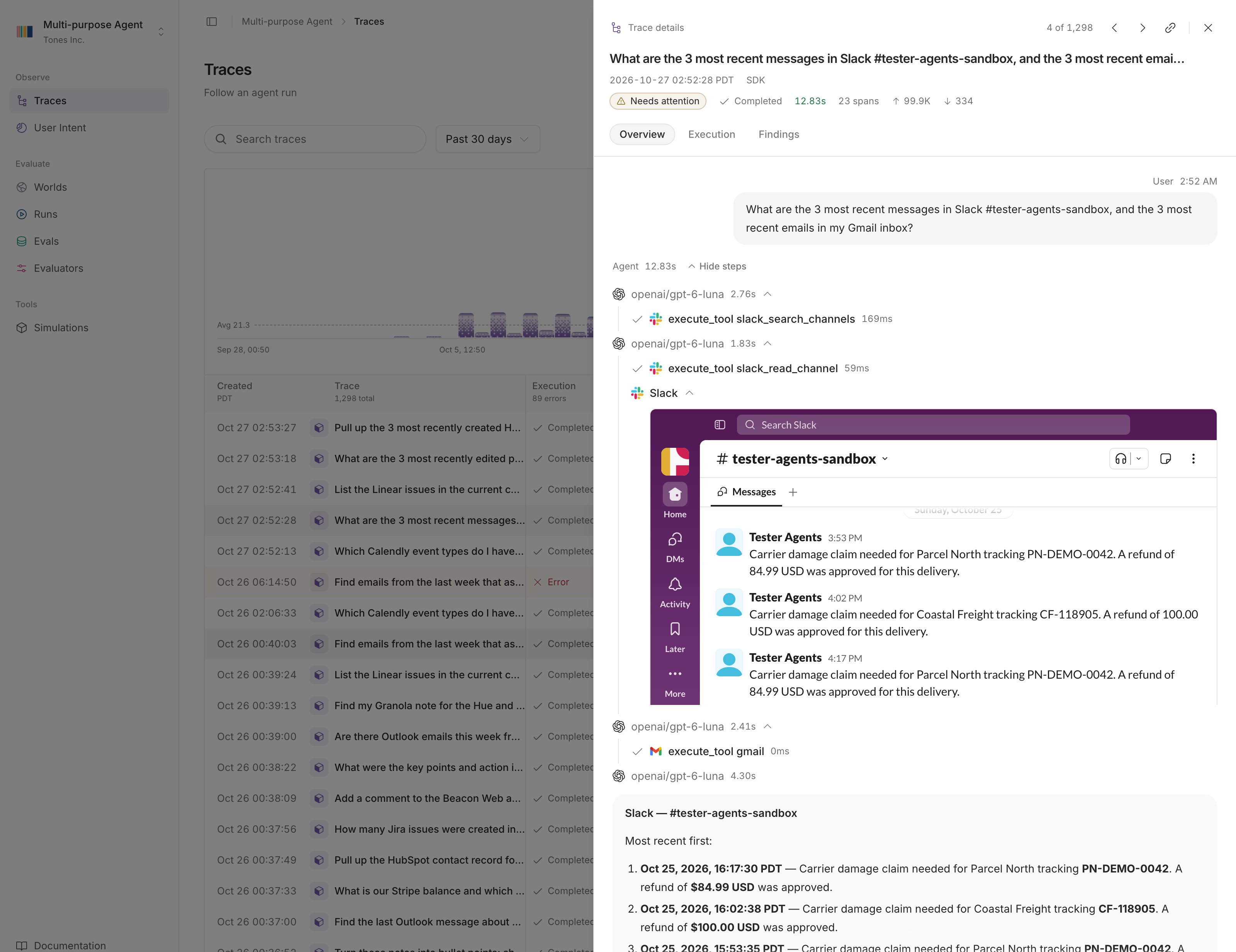
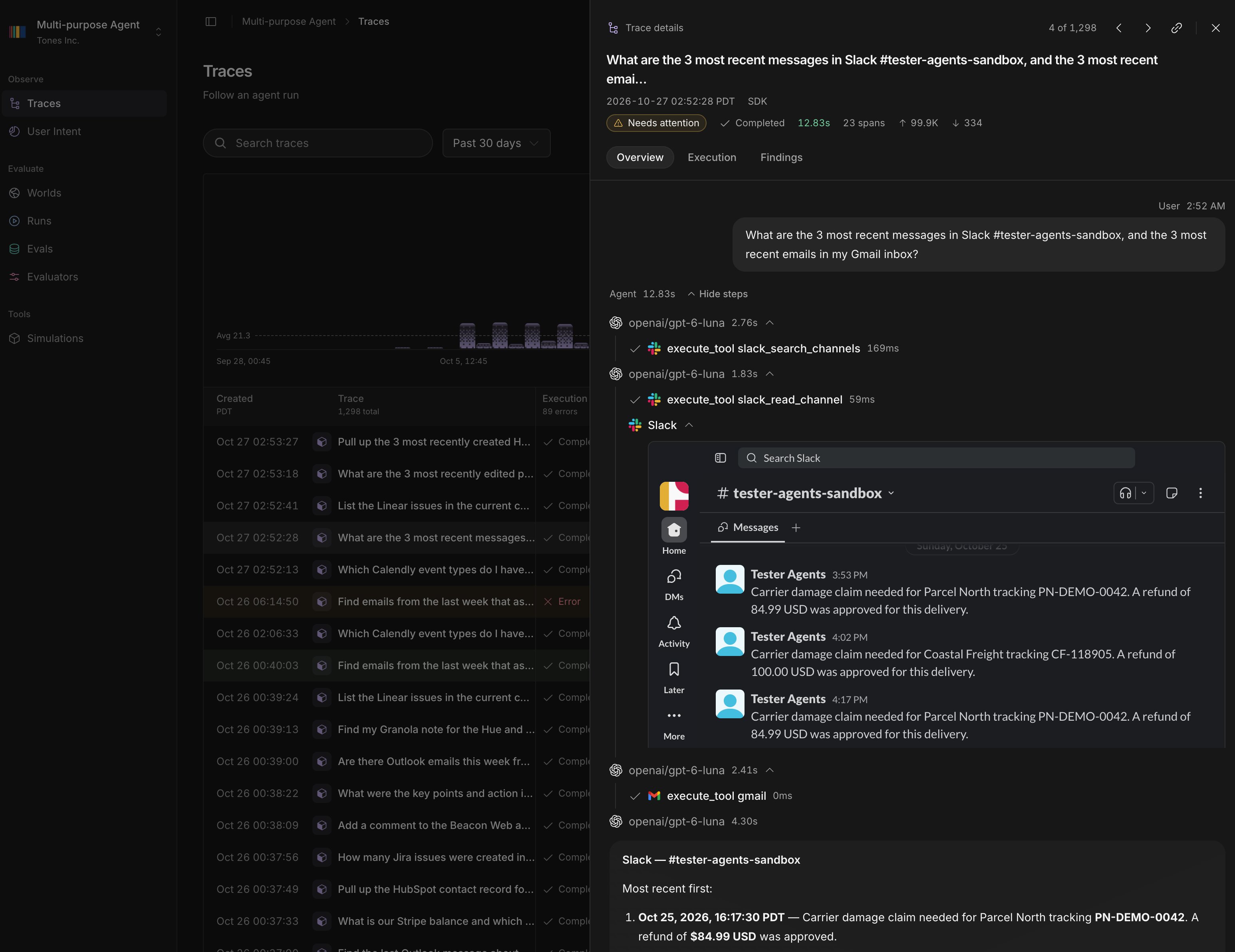
Trace overview in Hue with Slack and Gmail tool calls and an embedded Slack channel.Trace overview in Hue with Slack and Gmail tool calls and an embedded Slack channel.

Generate a World

Describe the app data you need. Create it in Hue or through your coding agent.

Connect your agent

Keep your agent’s model and prompts. Point its app clients at Hue.

Worlds from traces

Reconstruct a user’s app data from the requests your agent recorded.

Quickstart

Set up tracing and Hue MCP with one prompt to your coding agent.

How Hue works

  1. Generate a World or choose one from a user’s recorded history.
  2. Connect your agent to a World instance. Your agent runs in your environment with its own model and prompts, and calls Hue’s simulated apps.
  3. Inspect the instance’s app data and changes. Save a useful attempt as a case, then compare runs across agent versions.

Bring in production tasks

Record requests with the TypeScript or Python SDK, or keep your existing instrumentation. Classifiers flag traces that need attention, and you can turn a trace into a case to test the task again. Concepts defines the names Hue uses in the app, the SDKs and the MCP server.